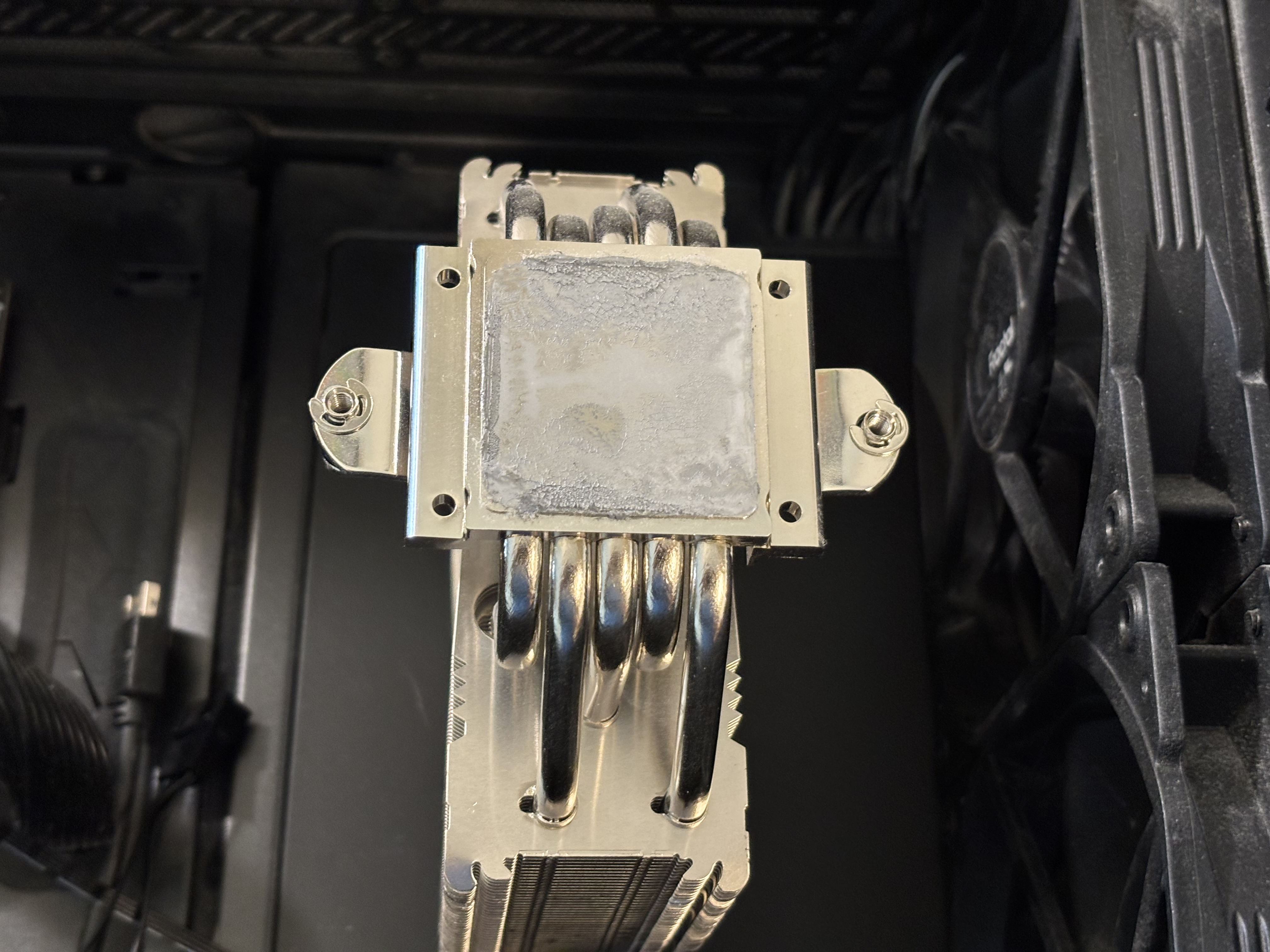
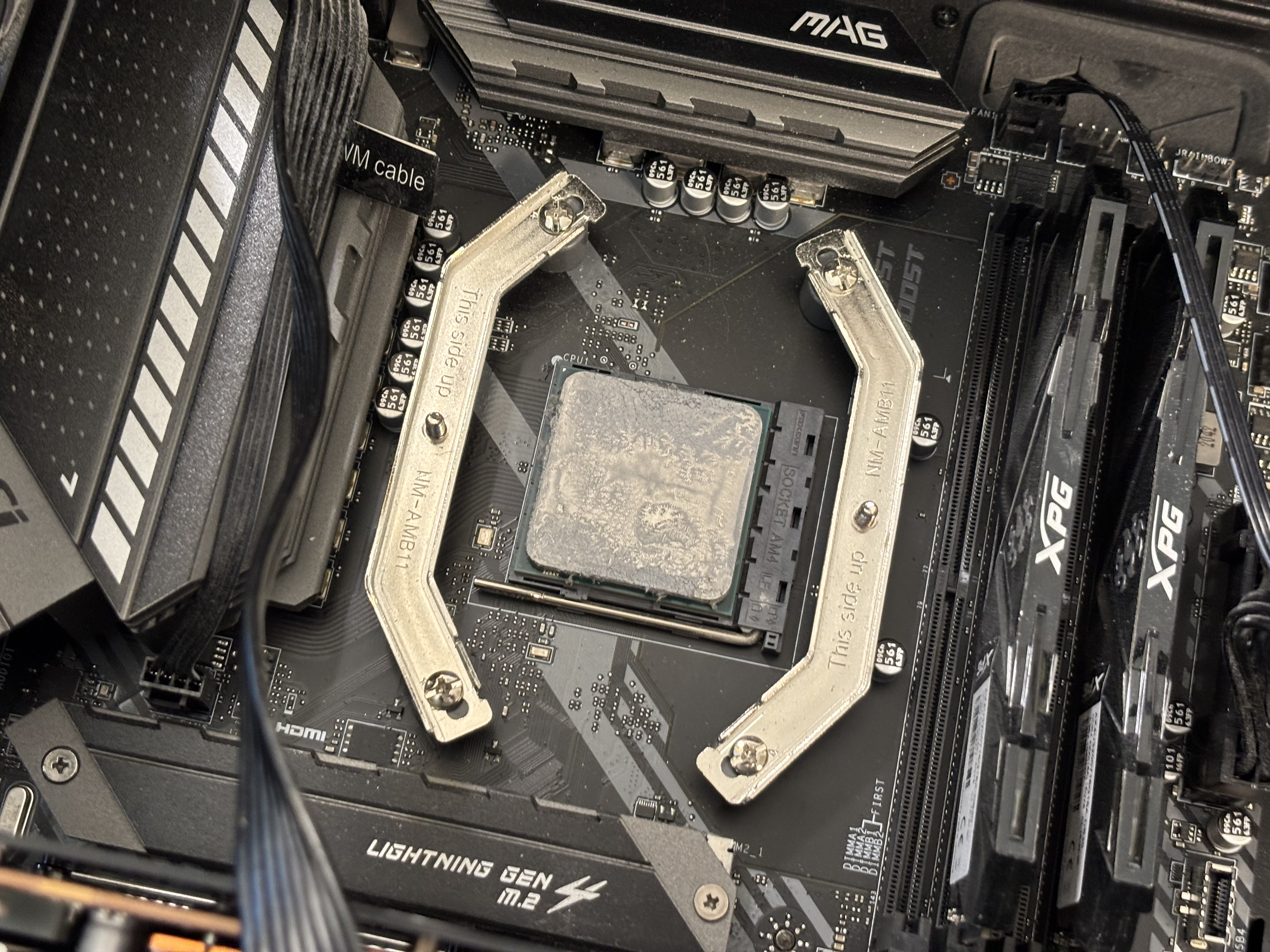
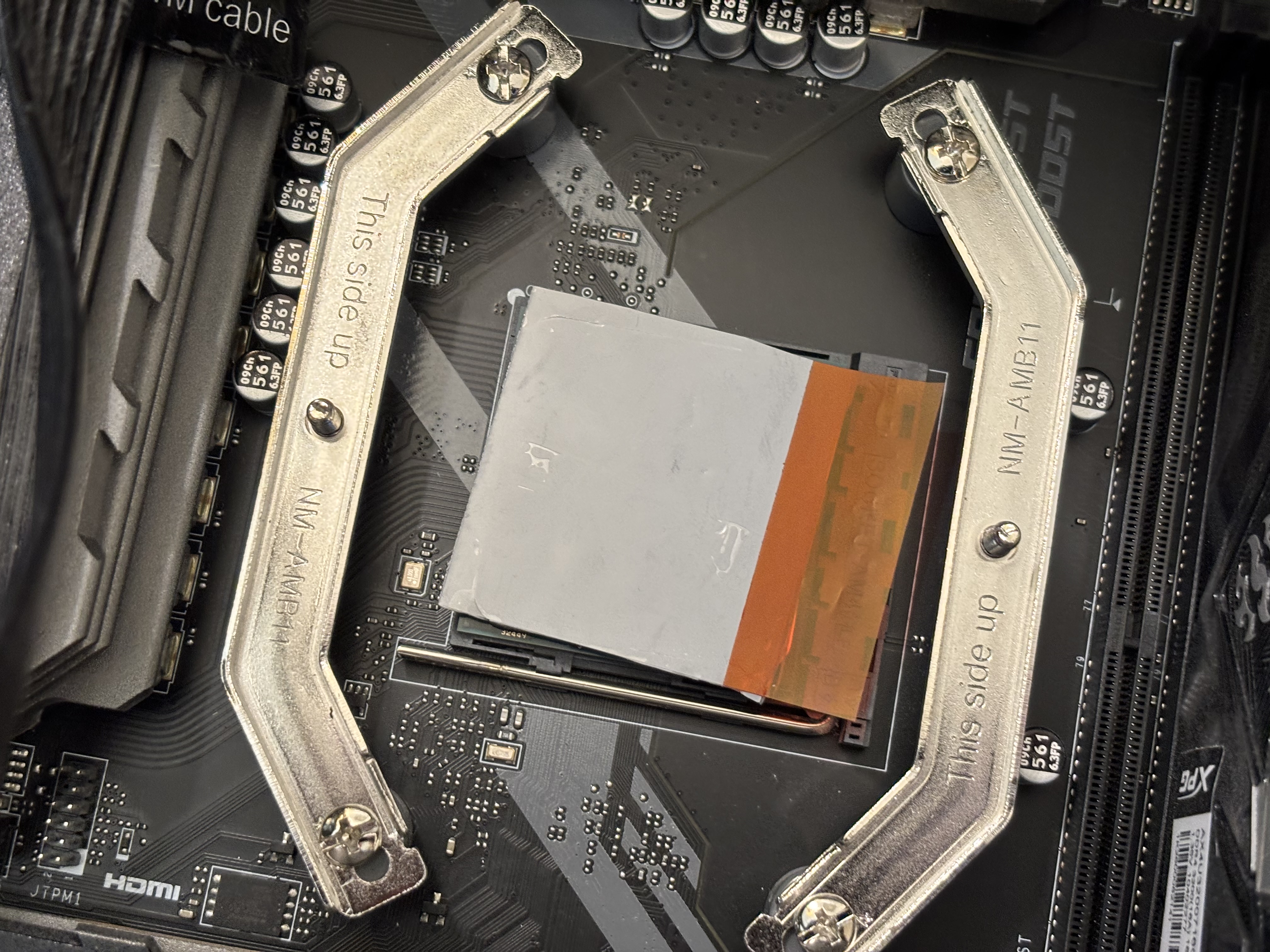
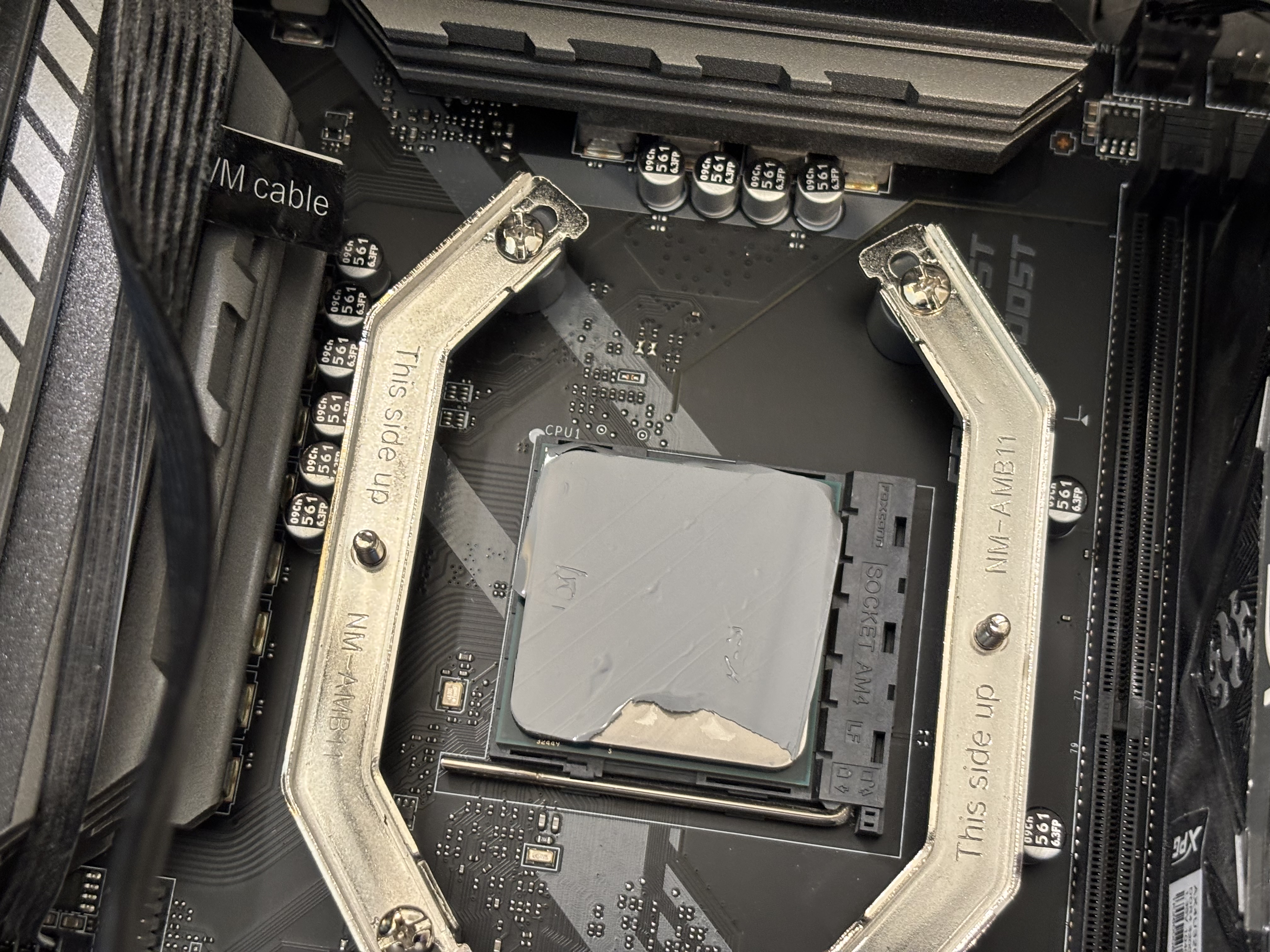
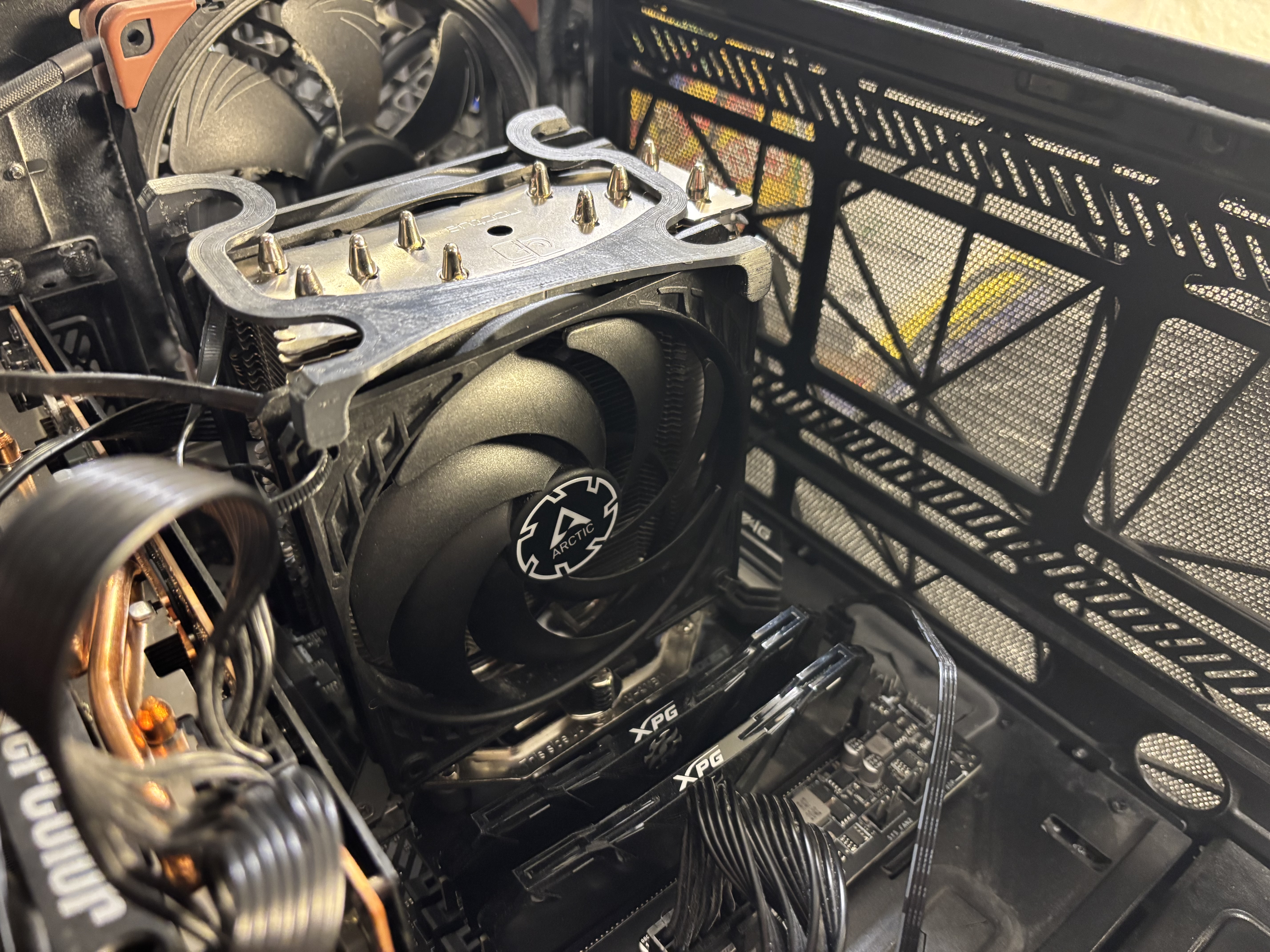
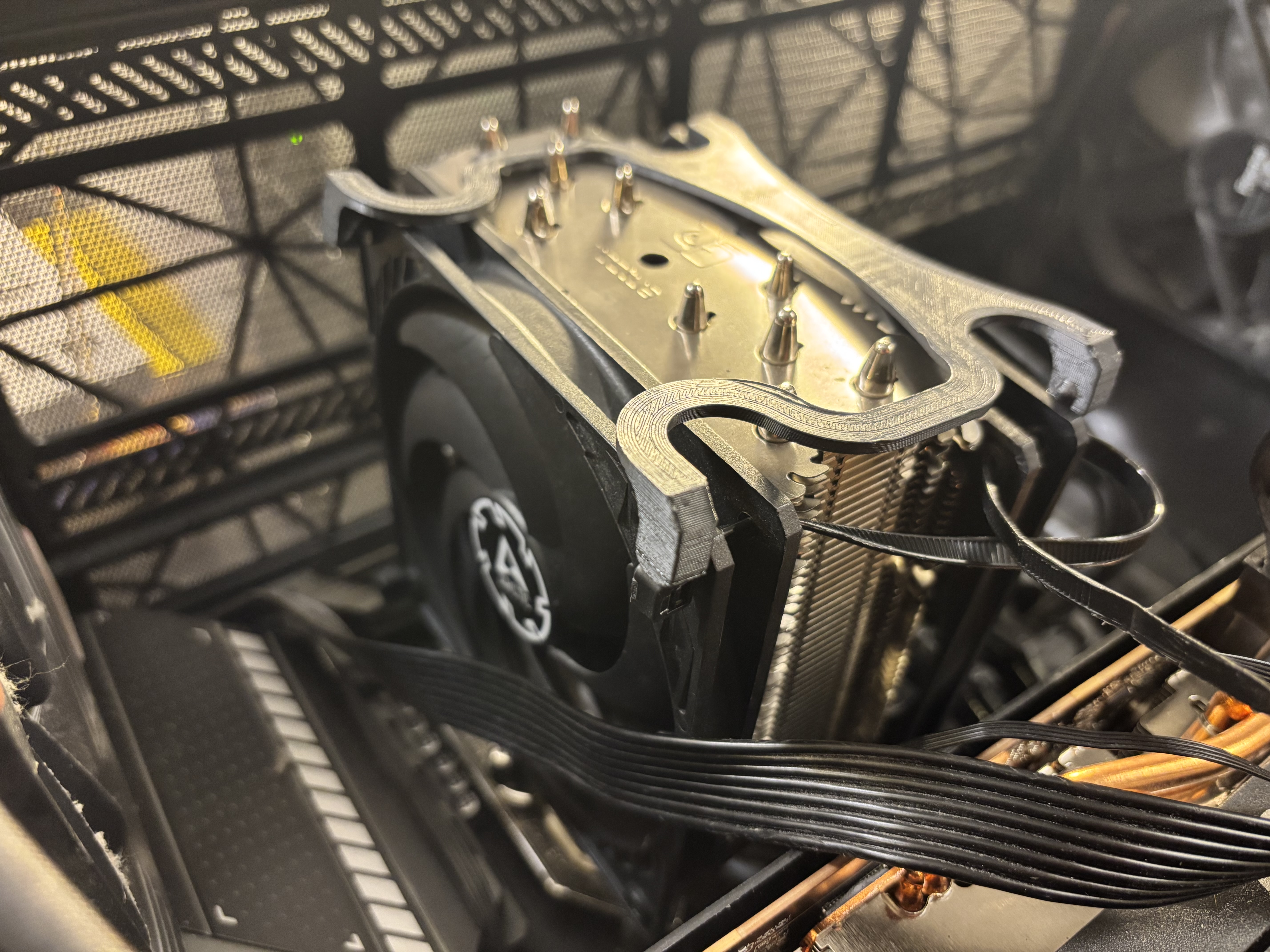
Interesting stuff, and kind of a pain to use. I put it in the fridge, for ten minutes, then left it in there till I got the computer ready. Maybe it’s easier if left in the fridge for two hours like somebody said to do.
Temperature is higher, but their site seems to say, that it might take a while for it to work as good as it can.
Says something about ten thermal cycles above 60C.
Also, are both of the CPU fans on? Well, the loud fan is on. Turn the fans down, and it’ll do 60C more. Turn the fans off, and it’ll get toasty. The fans aren’t letting it get to 60C. Well, not when doing nothing.
Maybe I should have got their Hydronaut instead. Or some cheapo regular thermal paste.
Also, how much am I supposed to use? No idea how you can get two applications out of this stuff. Maybe I used too much. Do the same with thermal paste though.
Well, maybe streaming games works now. Since I’m using Linux Mint. And this text editor sucks, keeps putting a extra ’ in everything.
And now I know why the USB cable for the C front port wasn’t connected. Got a over current condition. Had to turn computer off, and unplug it. That’s the good thing about computer cases, the USB ports die, or come dead. Luckily, I could do it without taking the computer off desk again.
Also, the thermal stuff might be getting better already. Now the temps are the same as before idle.
Finally found a Linux Mint theme, that shows a checkmark by the SSH key to automatically unlock it, so I don’t have to keep copying and pasting SSH password in.
Soul-Light
Somebody on Reddit, said they changed theme and got the checkmark to show up. Too bad they didn’t say what theme.
Can’t use Wayland, cause it has an annoying issue, black bars or something. Wanted to try a different Synergy like program, but the one I found is probably better with Wayland.
Well, USB switch for keyboard, and button on new mouse to connect to laptop.
Apparently one drop of rubbing alcohol isn’t possible. I removed the heatsink, and over by the counter, tried getting a drop out of the container of rubbing alcohol, got a lot more. Well, it did make it easier to get the thermal paste off. Didn’t try that on the CPU though.
Also, Q Tips suck. Just use a rag of some kind. I have something that I bought for the 3D printer. Cut some off, since it’s a big piece.
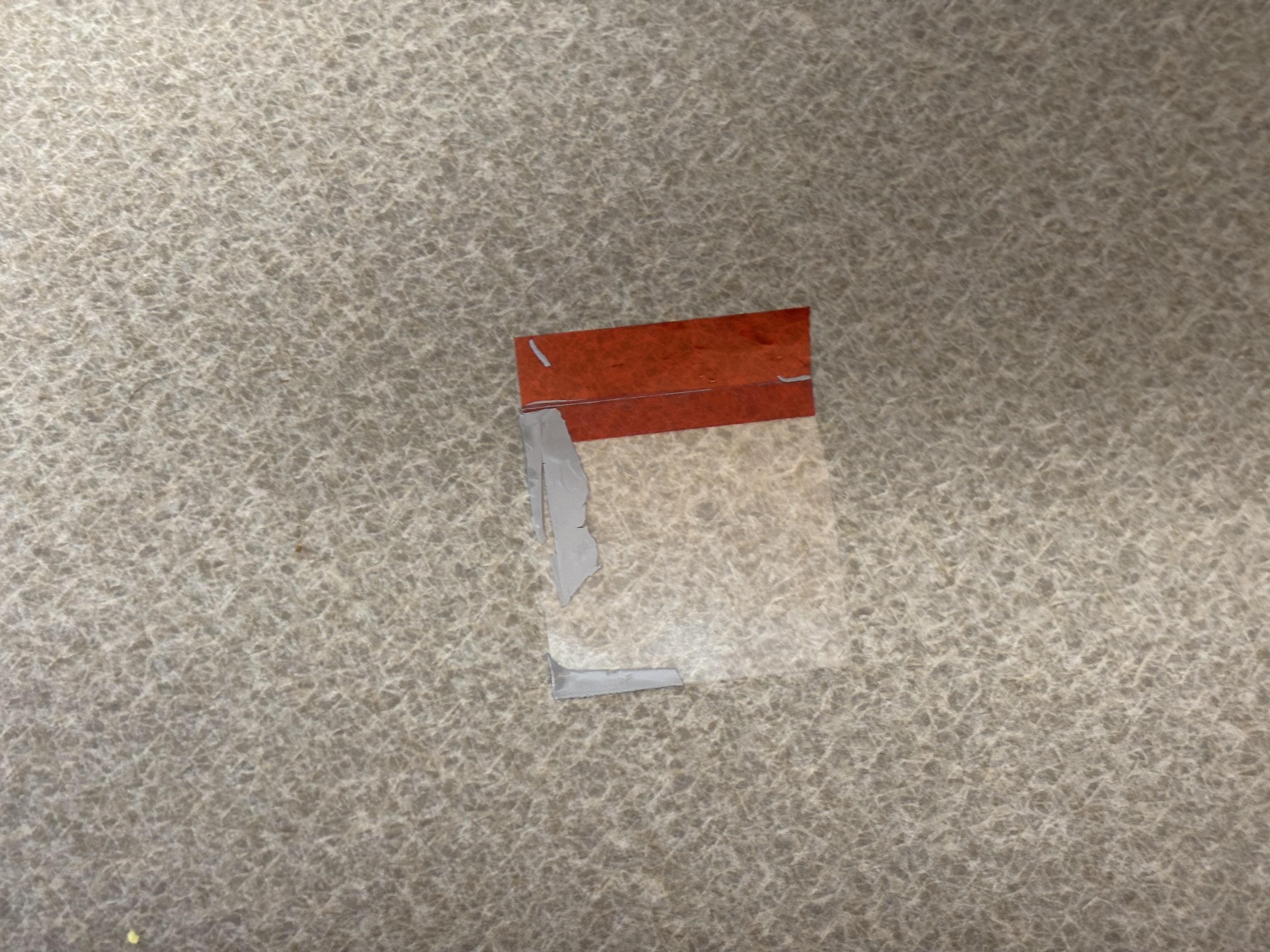
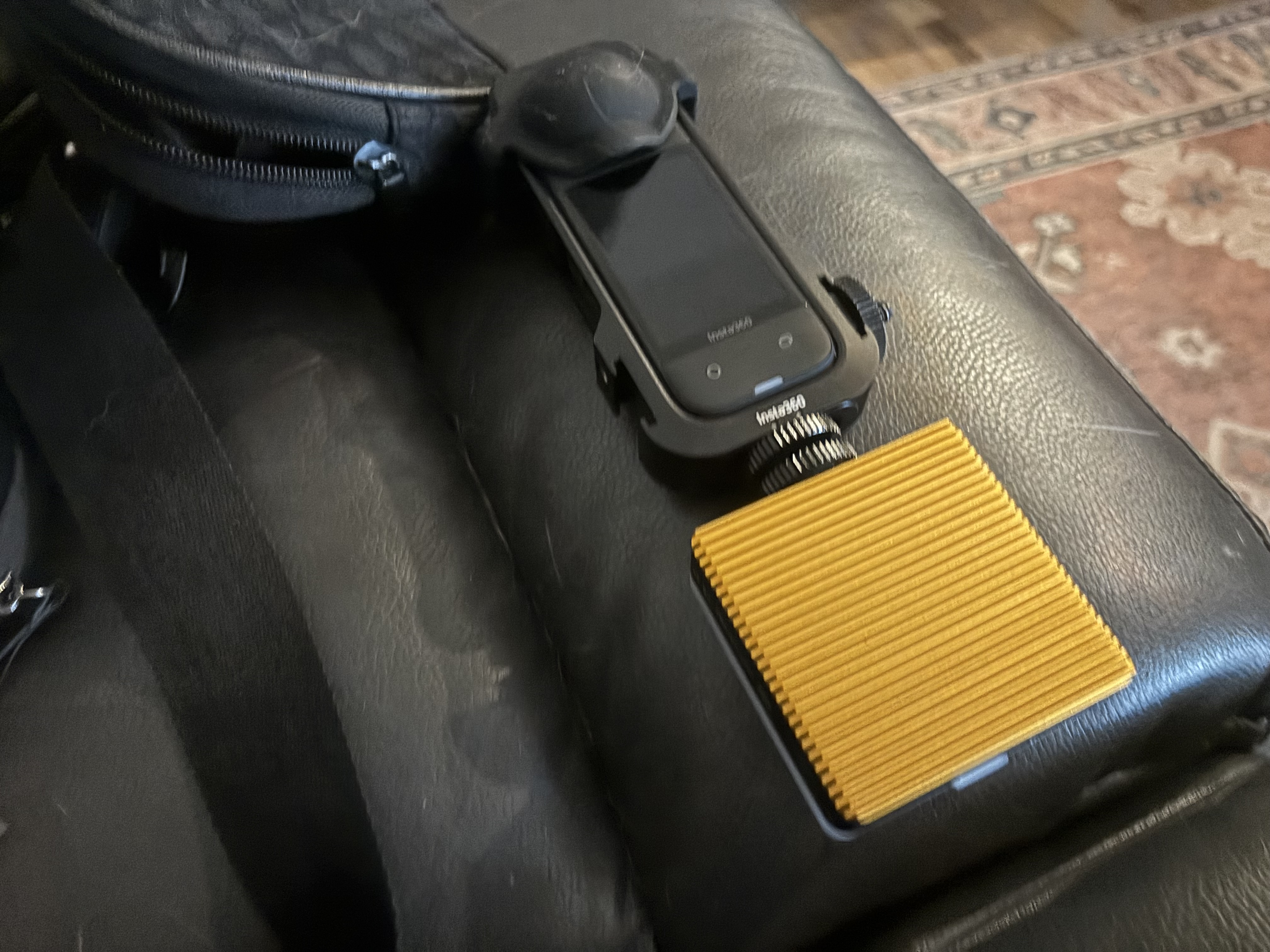
One of the pictures shows where some of the thermal pad went. I set a timer for 3 minutes, like the instructions said. And screwed the thing down, without removing the other tape.